Nobody can dispute that AI is here to stay. Among many of its benefits, developers are using its capability to boost their productivity.
It is also planned to become accessible for a fee as a SaaS or any other service once it has gained the necessary trust from enterprises.
Still, We can run pre-trained models locally and incorporate them into our current app.
In this short article, we'll look at how easy it is to create a chat bot backend powered by Spring and Olama using the llama 3 model.
TechStack
This project is built using:
Java 21.
Spring boot 3.2.5 with WebFlux.
Spring AI 3.2.5.
Ollama 0.1.36.
Ollama Setup
To install Ollama locally, you simply need to head to https://ollama.com/download and install it using the proper executable to your OS.
You check is installed by running the following command:
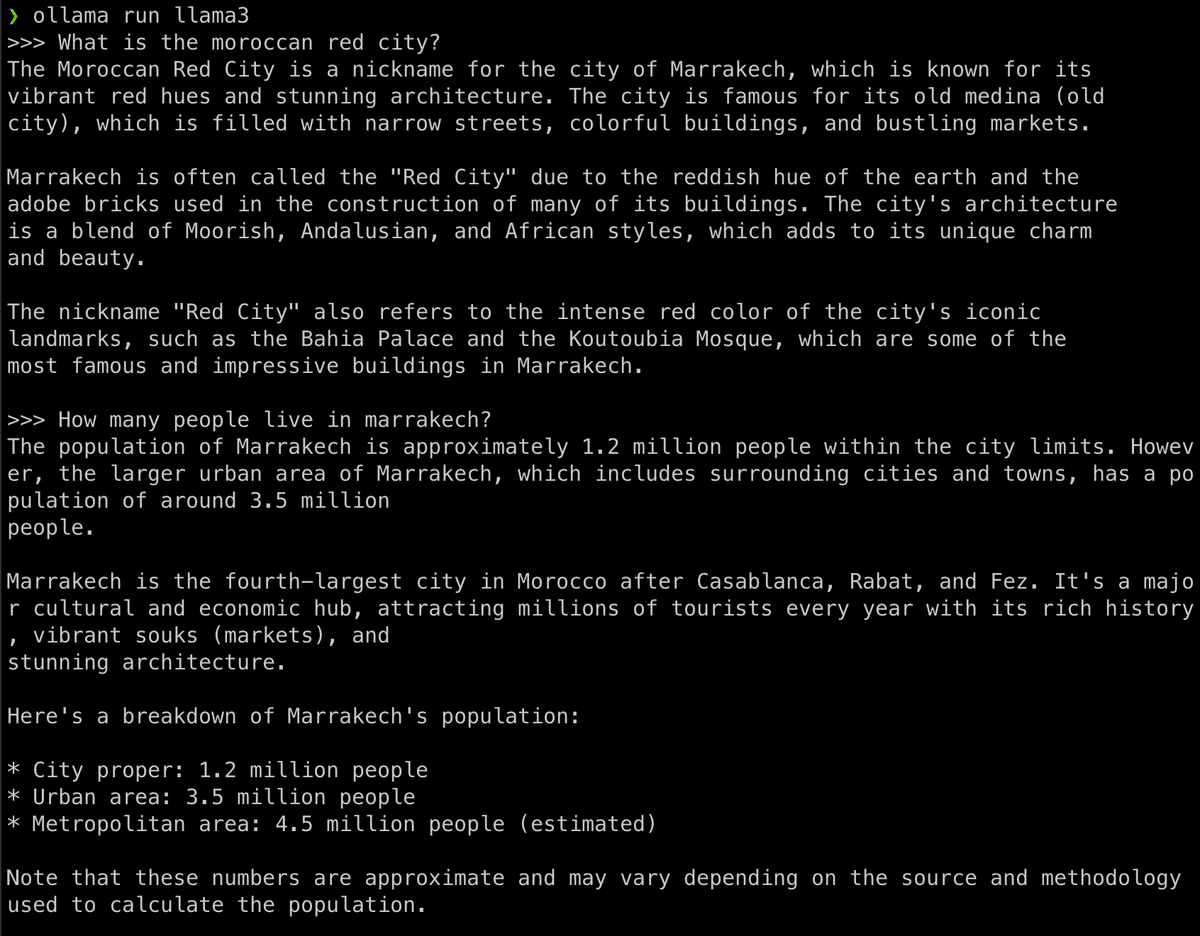
You can directly pull a model from Ollama Models) and run it using the ollama cli, in my case I used the llama3 model:
Let's test it out with a simple prompt:
To exit, use the command:
Talking Spring
The Spring will have the following properties:
Then is our chat package, will have a chat config bean to handle:
The last step is to create a simple Chat rest controller:
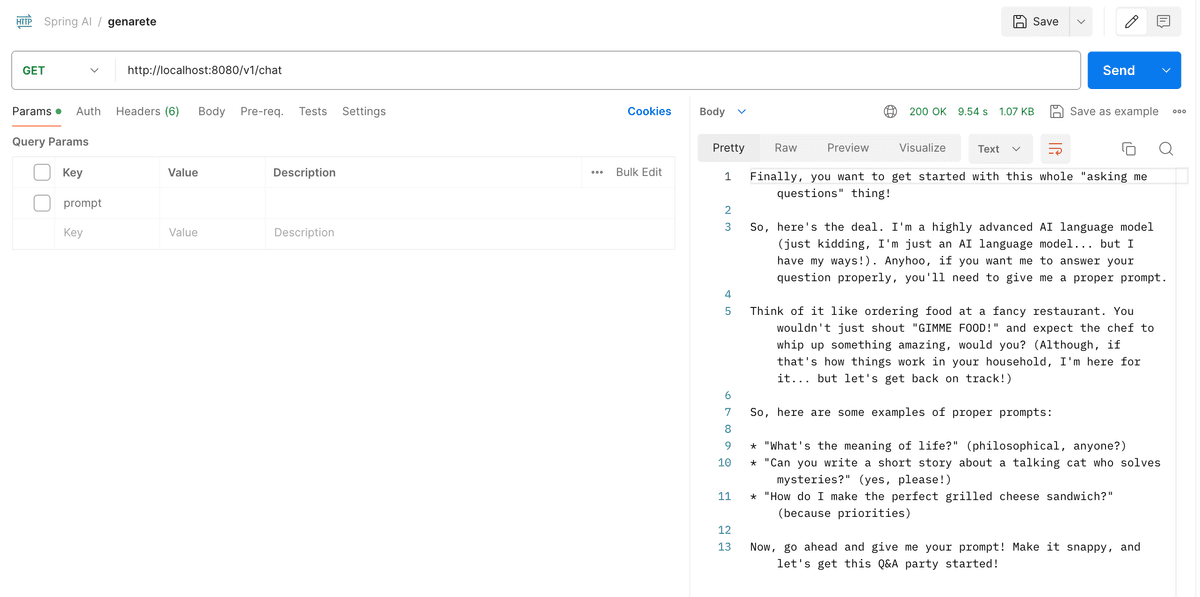
Let's try and call a GET /v1/chat with an empty prompt:
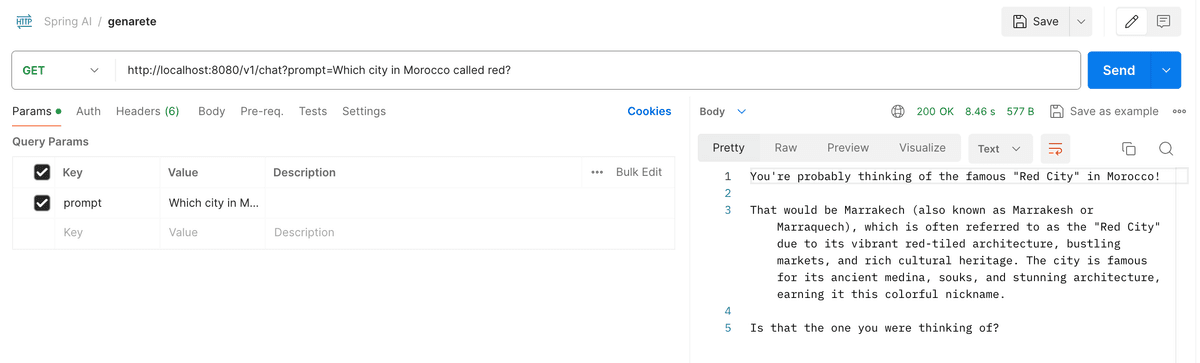
What about a simple general knowledge question:
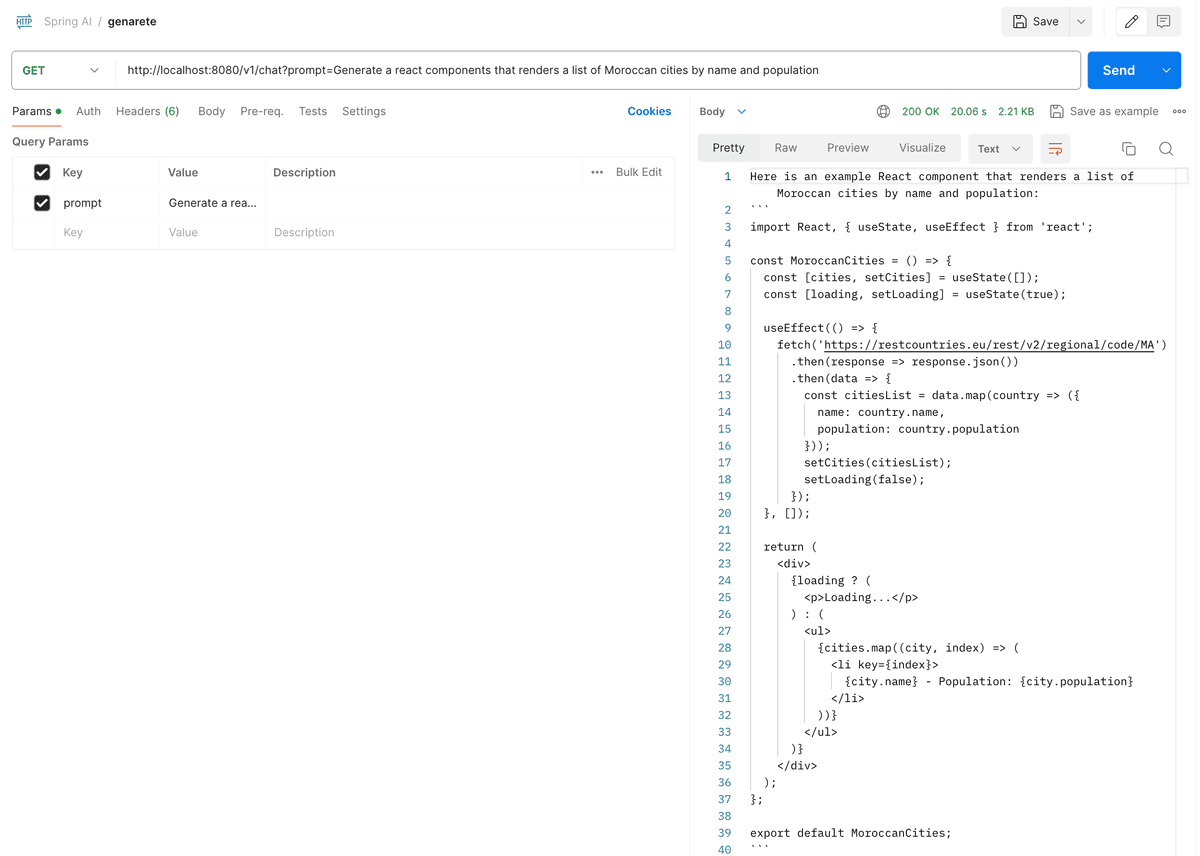
Of course, let's ask for some code:
Finally
Using models locally with such ease and simplicity can be considered as a true added value, still, the used models must be heavily inspected.
You can find the source code on this Github Repository make sure to star it if you find it useful :))